
Grab anything from any website.
Colours, fonts, real SVGs and full-page screenshots, in one small panel. Free, no account, and nothing you grab is uploaded anywhere.
Chrome, Brave, Edge, Arc and Vivaldi · No account · No analytics
Four tools, one panel.
The four things designers take off a page, without four extensions.
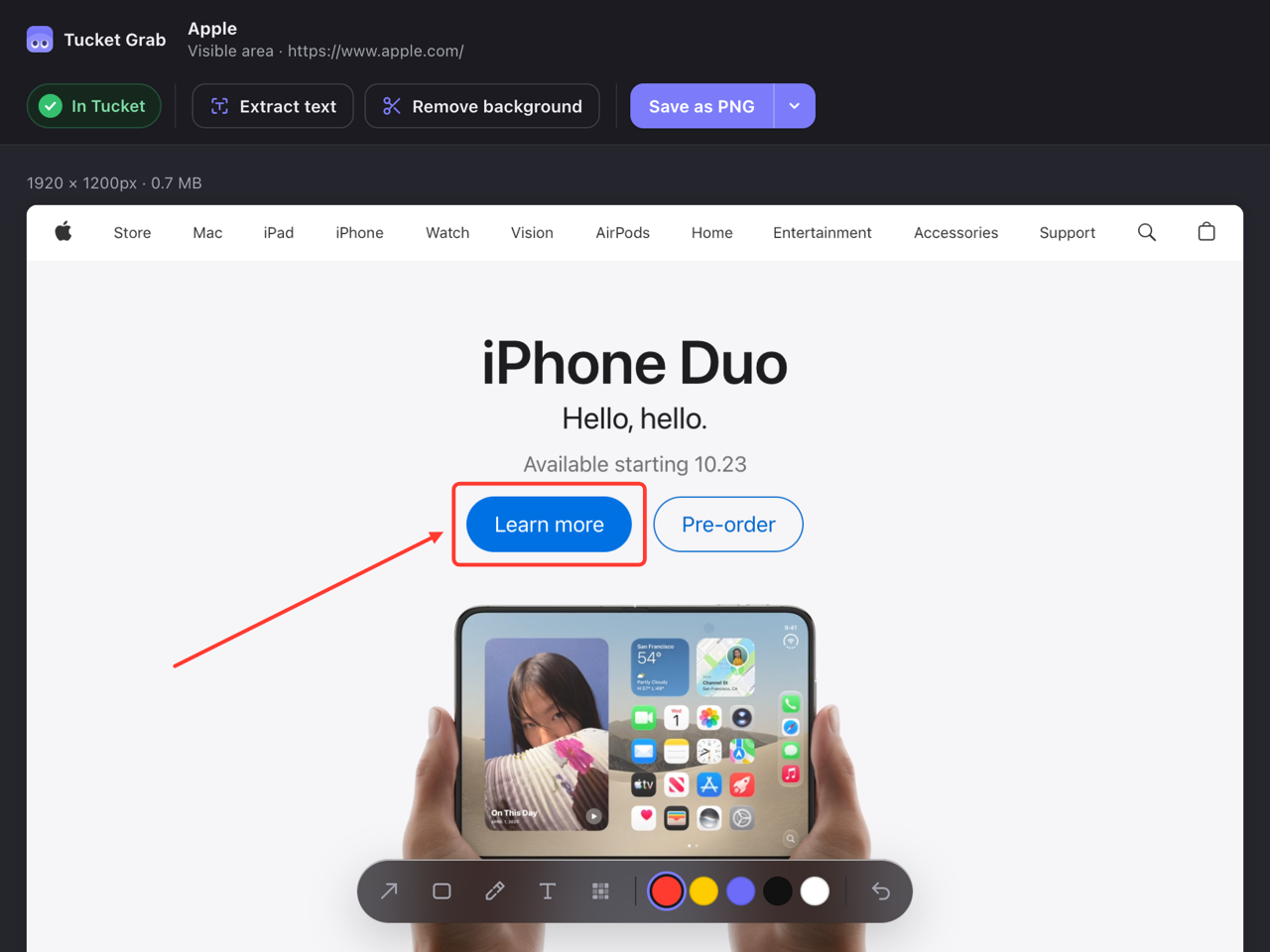
Screenshot
Full page, without the mess
Capture the whole page, just what you can see, or an area you drag. Sticky headers appear once instead of on every screenful, lazy images are loaded first, and app sidebars stay where they belong. A very long page can be stopped with Esc.
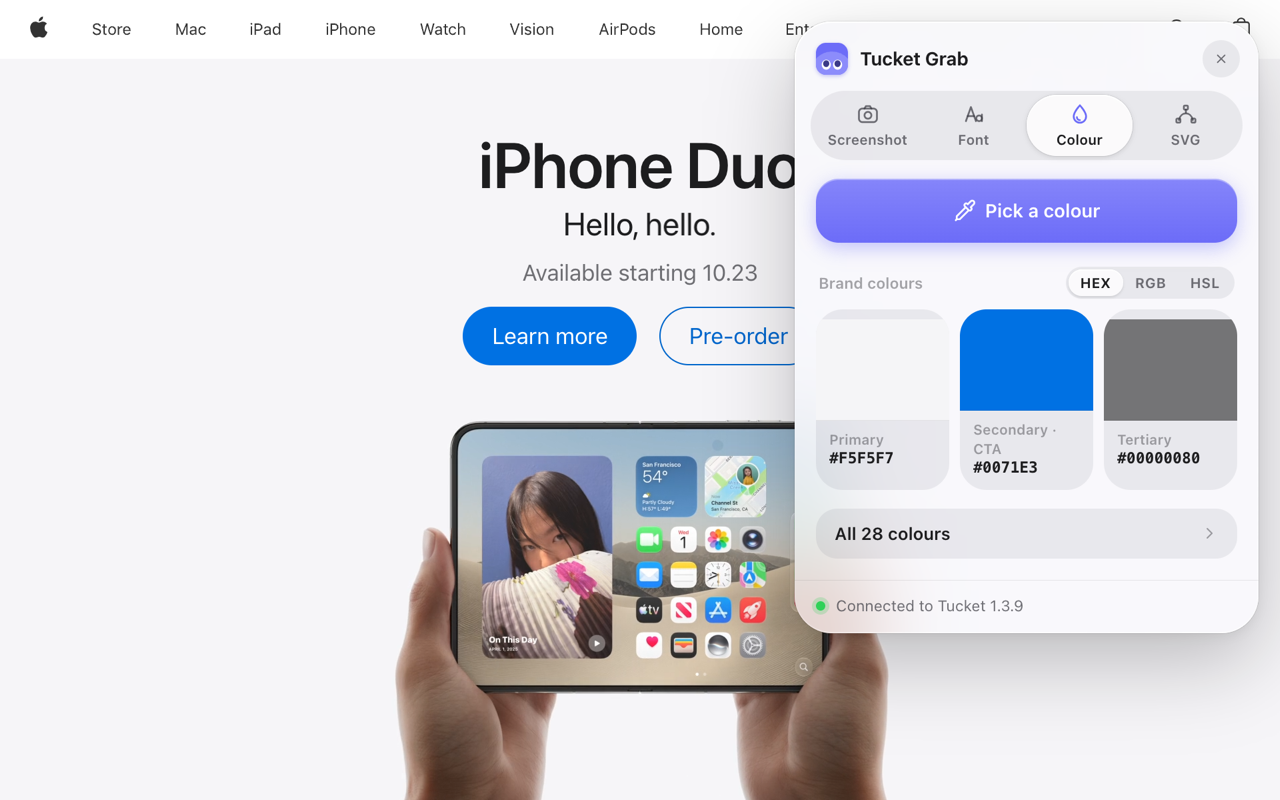
Colour
Take the colour, not a guess at it
An eyedropper for any pixel on screen, and the page read for you: the colour it uses most, the one on its buttons, and the next after that.
Font
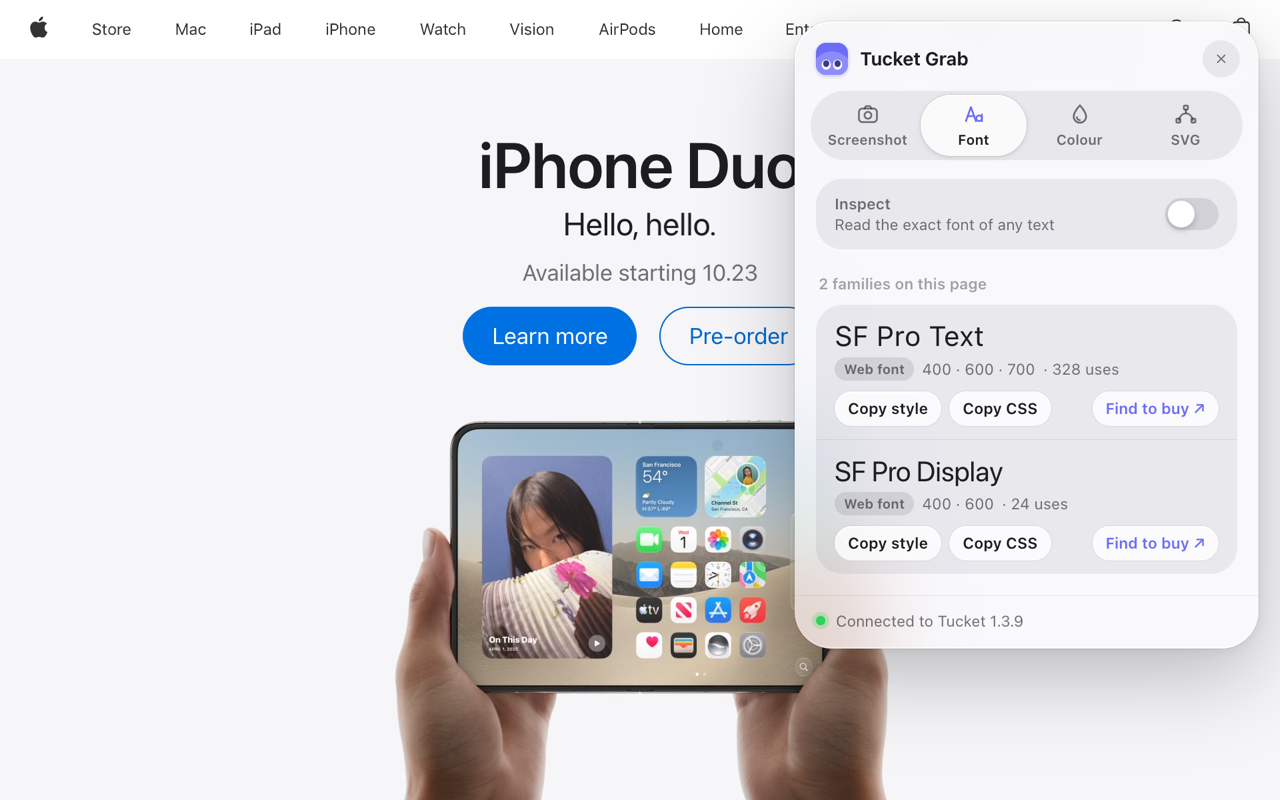
Every font on the page, and where to get it
Grab lists what the page actually uses and where each one comes from: Google Fonts, Adobe Fonts, Monotype or Fontshare. Free ones get a download link, paid ones a link to buy.
SVG
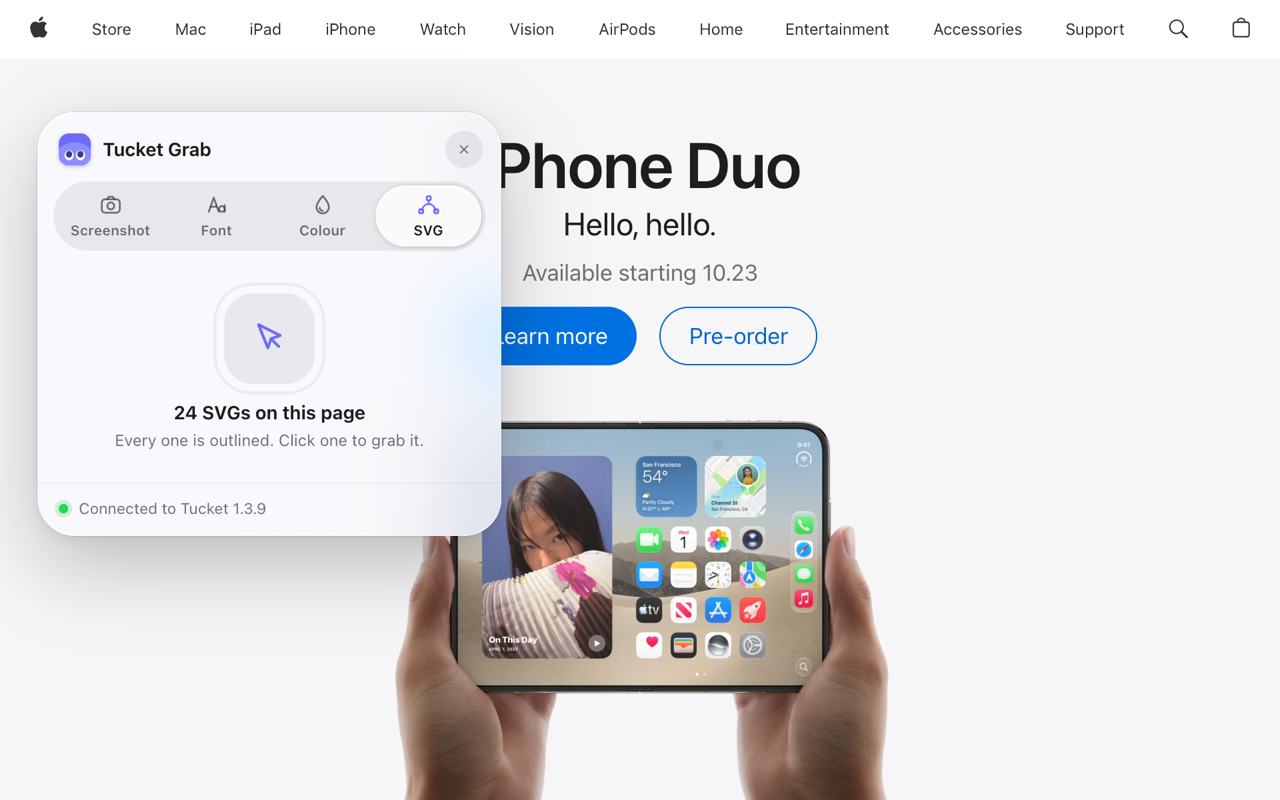
The real vector, not a screenshot of it
Every SVG on the page is outlined. Click one and you get the actual vector, cleaned up so it works outside the page it came from.
Better with Tucket.
Grab is free and stays free. With Tucket for Mac 1.4.1 or newer, what you grab has somewhere to go, and two more tools appear.
Screenshots file themselves
Every capture lands in Tucket under the site it came from, with a link back and the words inside it searchable.
Colours, fonts and SVGs skip the clipboard
They go straight into your Tucket library, so whatever you had copied stays copied.
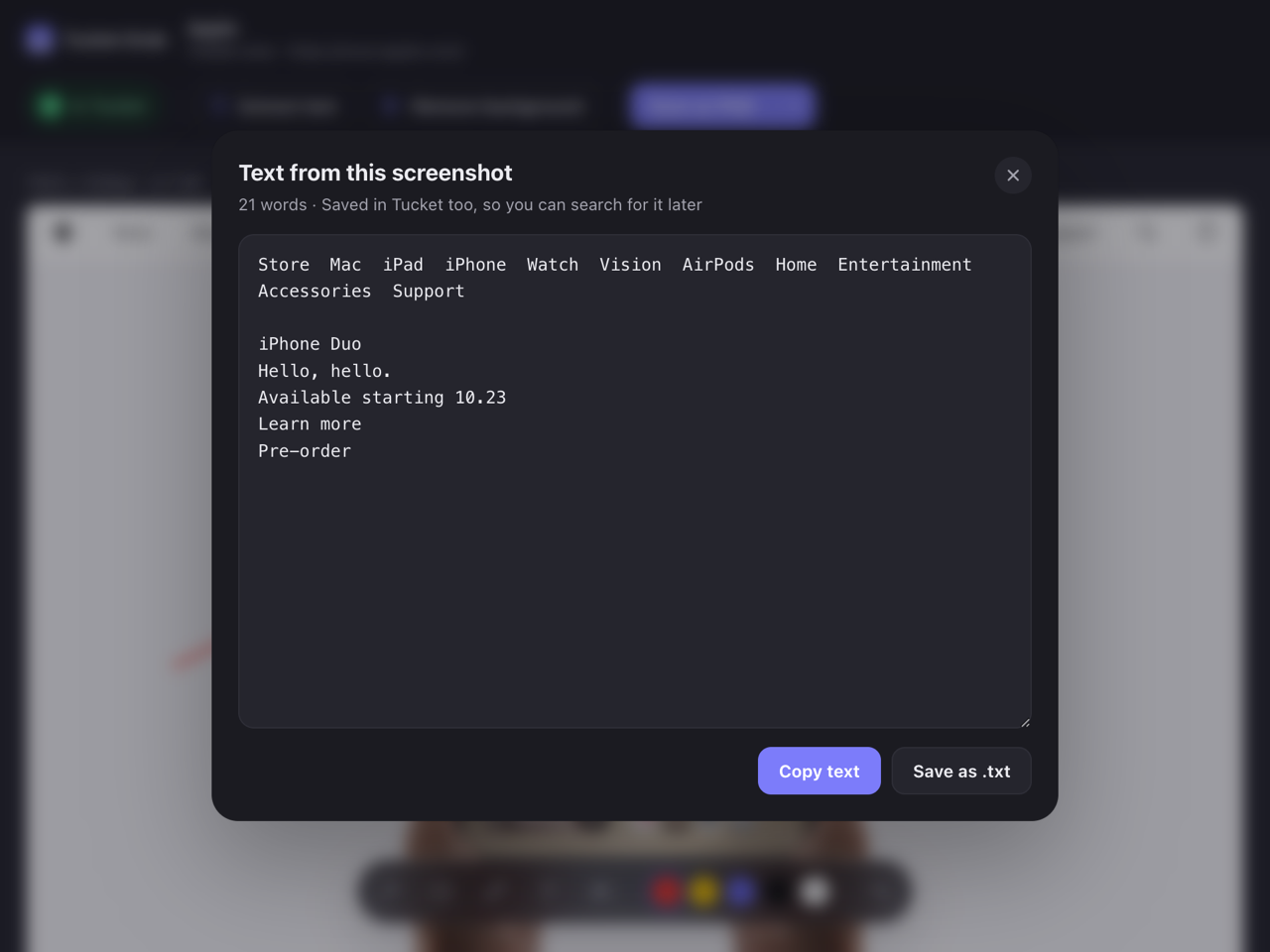
Extract text
Pull the words out of any capture. It runs on your Mac with Apple’s Vision, and the text comes back inside Grab.
Remove background
One click on a capture, same thing: done on your Mac, shown back in Grab.
One payment, up to 3 Macs, macOS 14 or later. Already bought it? Get 1.4.1
What the others charge for.
Most people run four or five extensions to do this. Grab does the lot, and the parts those keep behind a payment are the parts it gives away.
| Tucket Grab | The usual extensions | |
|---|---|---|
| Full-page screenshot | Free | Free |
| Markup and blur | Free | Paid in GoFullPage and FireShot |
| Save as PDF | Free | Paid in GoFullPage and FireShot |
| Colours and fonts from the page | Free | CSS Peeper is a paid plan |
| Real SVG export | Free | Usually a separate extension |
| Account needed | No | Awesome Screenshot asks for one to share |
| Anything uploaded | No | Cloud storage is the paid tier |
Checked in September 2026. Those apps change their plans, so check before you pay for one.
What it sends
One thing, and only when you open the Font tab: a font’s family name, asked of Fontsource to see whether that font is free to download. Never the page you are on, and nothing about you.
Everything else stays in your browser until you copy, download or send it. No account, no analytics, no tracking, and when Tucket is installed the handover happens on your own Mac.
Questions
Which browsers does it work in?
Chrome, Brave, Edge, Arc and Vivaldi, or anything else built on Chromium.
Is it really free?
Yes. Every tool, including markup, PDF export and full-page capture. There is no account, no trial and nothing to unlock.
Do I need Tucket to use it?
No. Grab works on its own. Tucket adds the library your grabs land in, plus Extract text and Remove background.
Is it Mac only?
Grab runs wherever Chromium runs, including Windows and Linux. Tucket itself is a Mac app, so the Tucket features are Mac only.
What are the keyboard shortcuts?
Option Shift G opens the panel, Option Shift F takes a full page, Option Shift V the visible area and Option Shift S an area you drag. Change them at chrome://extensions/shortcuts.
What does it send anywhere?
One thing: a font’s family name, to check whether that font is free to download. Never the page you are on, and nothing about you.
Every tool designers grab with. Free.
One panel, four tools, nothing uploaded. It gets better if you have Tucket, and it costs nothing either way.
Add to Chrome, it is free